AI Tools For Literacy
AI Overview:
AI is gaining a lot of traction in schools and in general. It can be a great tool when used correctly, specifically for ideas to help move your thinking along. It’s important to look at AI as a jumping off point for things and that it won’t be effective to expect it to do all the work for you.
- Generating ideas
- Expanding on content
- Checking/editing work
- Creating varied games/worksheets from a list of questions
It can be a wonderful tool for learning, much like the internet itself, there are some concerns but it presents an opportunity to supplement learning in schools. Some ethical concerns include: inaccurate information or incomplete information, bias, and transparency of intent/use. These are why it is especially important to be critical when using AI tools because it may create something that doesn’t portray your personal views, or something that isn’t wholly accurate.
Magic School
https://app.magicschool.ai/tools/lesson-plan-generator?thread=5439024
Magic School is an AI tool made by educators to help minimize teacher burnout from time spent doing some of the more tedious teacher prep tasks.
This tool has options for giving formative feedback on student work, assistance in drafting report card comments, creating review games and quite a few more. The following screenshots show most of the options available through Magic School.
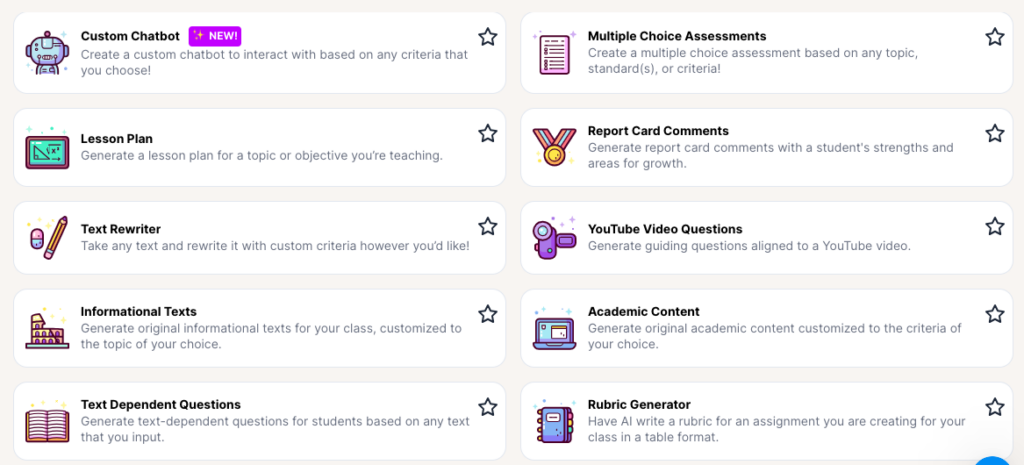
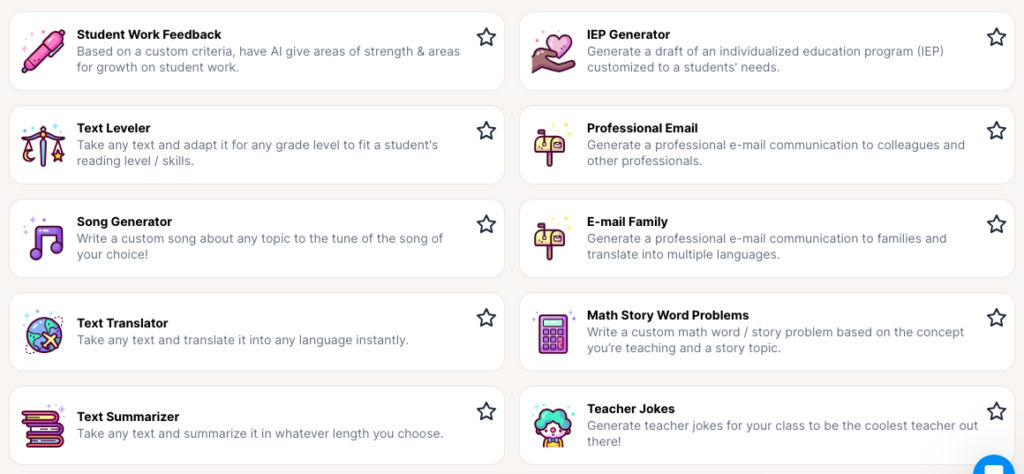
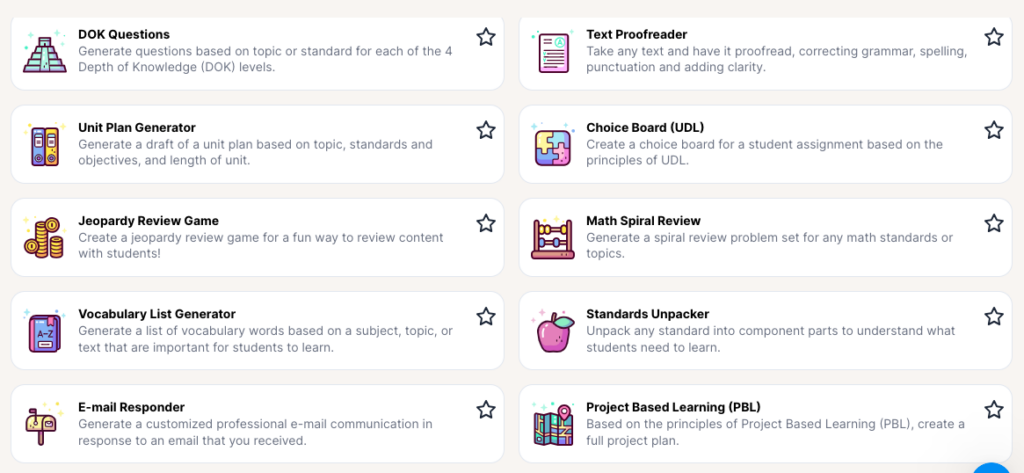
Many of these tools are great because Magic School allows saving and downloading the things it creates and gives educators the ability to edit them to suit different lessons and the needs of diverse students. Basically, these will give a starting point if stuck with a concept, which I think is great as beginning teachers or as teachers who are maybe teaching a new topic. It helps to have different ideas to look at in order to get started. Additionally, it’s great in creating the resources for lessons you may already have planned and can potentially save educators a lot of time.
Magic school also has a chatbot feature called Raina that allows you to ask more specific questions that don’t fall in to one of the above categories and isn’t about creating content, but answering a question.
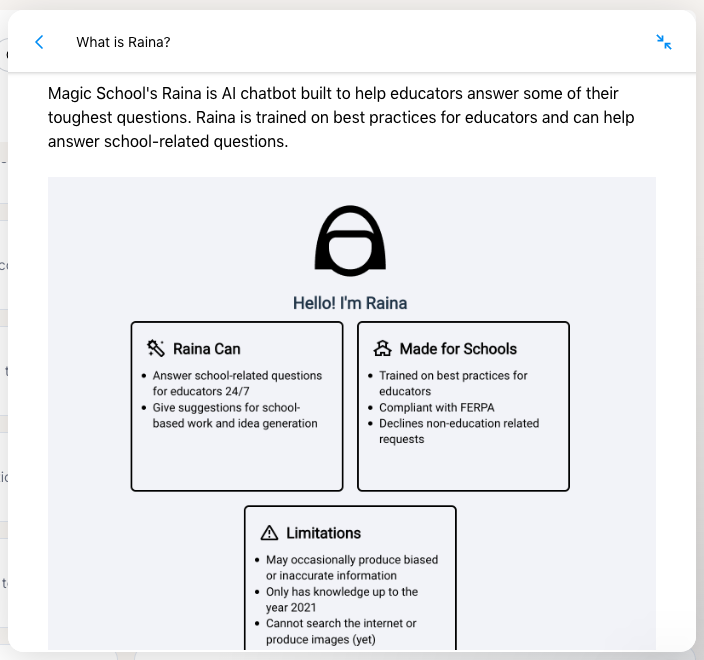
I like that the site includes some of the limitations of the chatbot feature to help teachers better understand what the function of this tool is and what to expect.
DIFFIT
https://beta.diffit.me/packet/8174ee0b-f4fb-4877-a00b-6118dd96d241
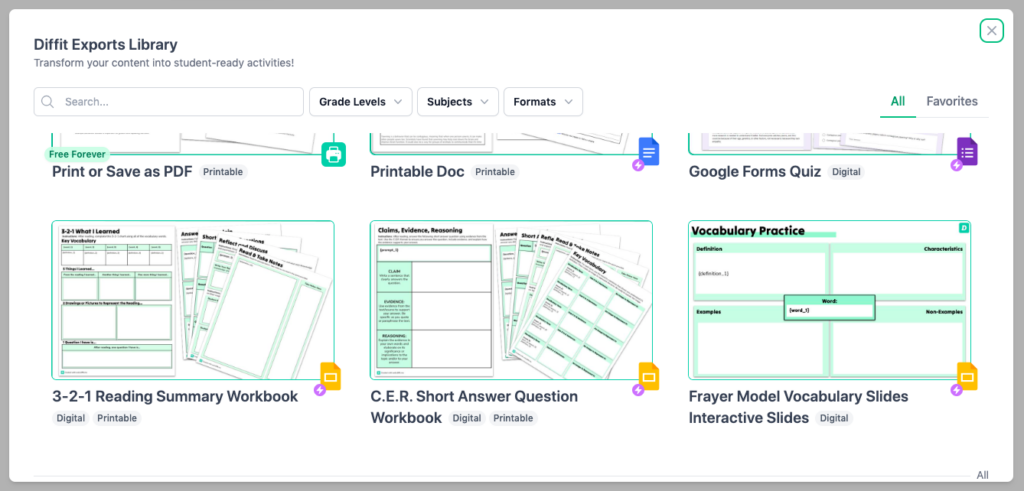
Diffit is similar to Magic School, but I think it has less specific options for “creation” tools. It seems like a more basic website; it allows you to put in a chosen grade and content area and it creates a summary of the topic, a vocabulary list and some guiding questions. I have tried a few grades and varying content, and so far this site seems to follow a more “traditional” lesson style, so it would be useful for the basics.
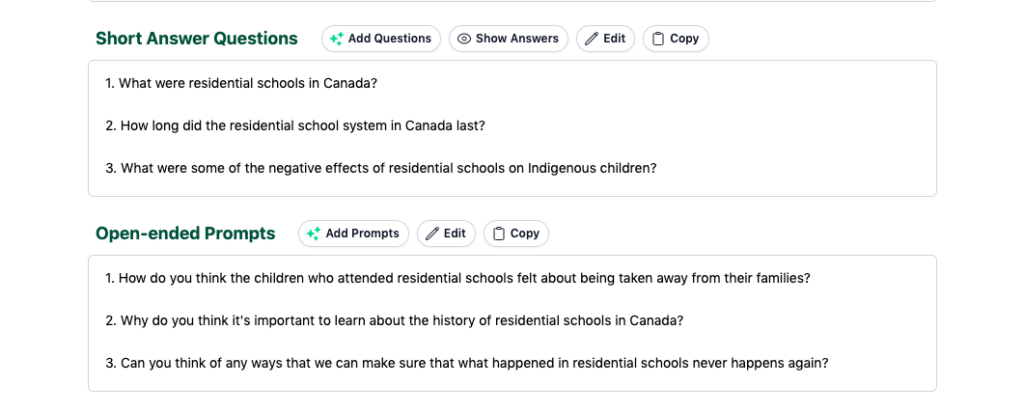
I tried looking up a grade 5 lesson on “Residential Schools in Canada” some of the resources it created are vocab words, multiple choice questions, short answer questions and open-ended prompts. Each of the sections has the option to add to it, edit the existing list and copy it.
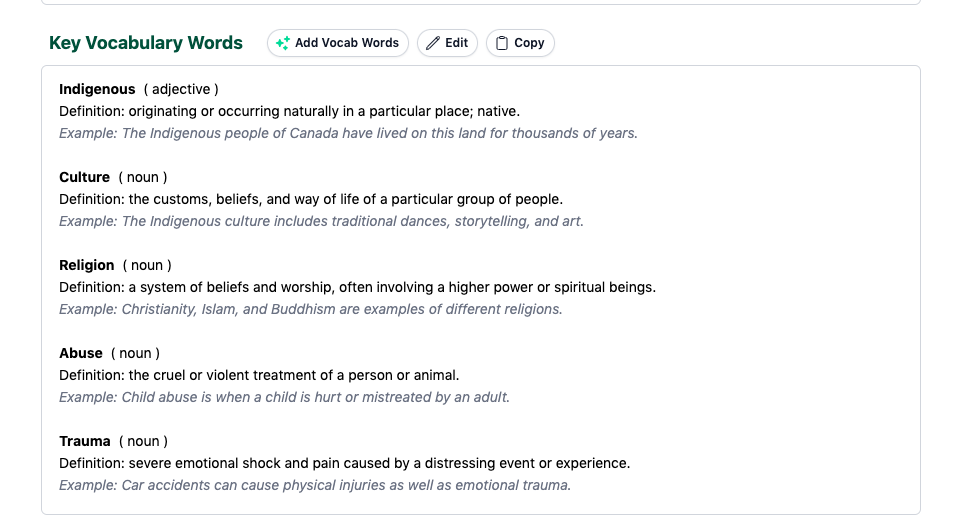
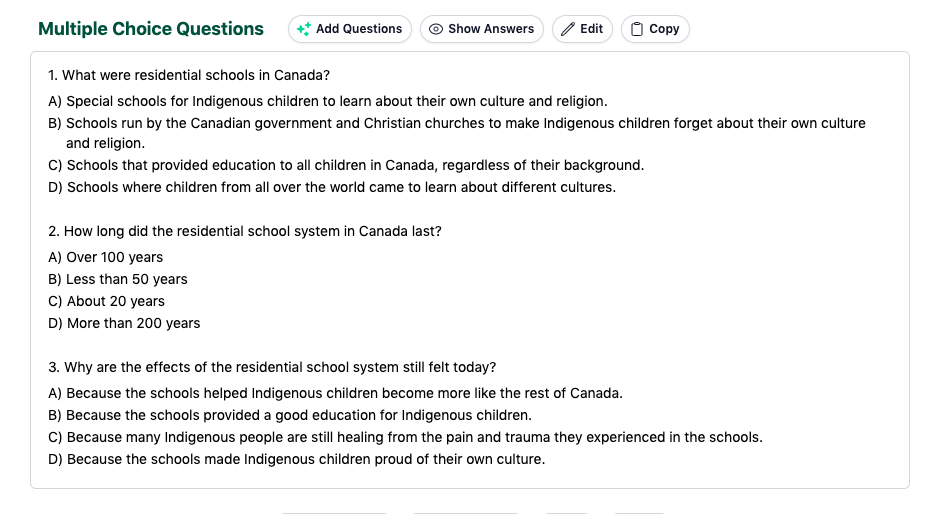
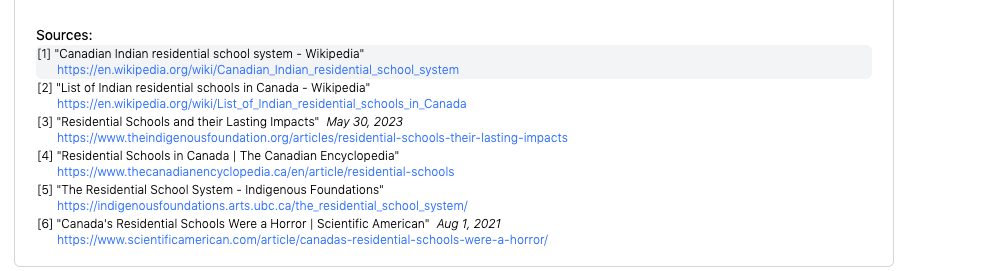
One feature I really liked was this website includes the sources for the information used in the reading summary it generates. So in this case it has a few options
Summary:
Both of these sites have similar functions but I feel like Magic School definitely has a few more and they are categorized so you can more carefully tailor the kinds of resources you are hoping to create. I would need to explore more to fully see what is available.
I linked some of the other websites from class 5 as well as a few I’ve come across and have had recommended by other educators. These AI sites range from other educator specific resources to research help to study help in math and literacy. There’s also some that have specific functions like creating presentations, videos and citations.
Other AI Sites:
- https://www.grammarly.com/ (writing)
- https://www.tutorai.me/ (answer generator)
- https://socratic.org/ (visual explanations)
- futurepedia.io (AI Apps)
- https://quizlet.com/ (flashcards)
- https://www.pdfgear.com/chat-pdf/ (summarize research articles)
- https://www.wolframalpha.com/ (math help)
- https://www.zotero.org/ (bibliography generator)
- https://www.mendeley.com/ (reference manager)
- https://www.getmagical.com/ (text expander)
- https://www.citethisforme.com/ (citations)
- https://www.perplexity.ai/ (research help)
- https://chat.openai.com/auth/login (general questions help)
- https://scispace.com/ (explains research)
- https://www.beautiful.ai/ (presentations)
- https://www.heygen.com/ (video creation)
- https://curipod.com/ (class resources and presentations)
- https://www.questionwell.org/ (class resources and planning help)