SCRATCH
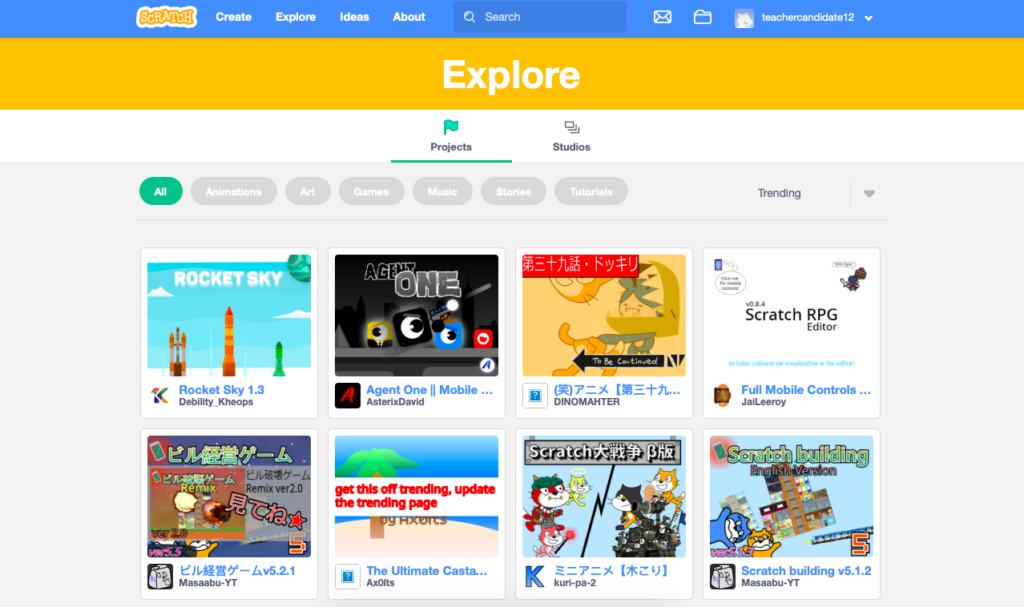
Scratch is a platform (with free content) that is designed to teach coding to kids. It uses block based coding – which makes it super accessible and understandable.
There’s tons of different games and options for experimenting with code so there is likely something that would appeal to every student. There’s a wide variety of tutorials and walkthroughs that teach many different skill levels. I’m curious to see how students would progress if they were introduced to scratch at a young age and able to practice throughout school – what skill level would they have.
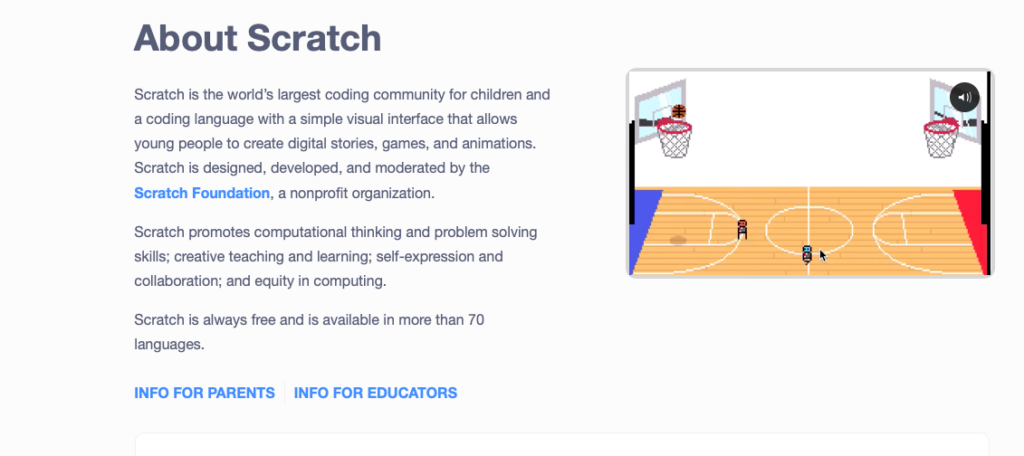
In my personal experience, I’m always surprised at how engaged every single student seems to be when they’ve had a lesson on scratch. As well as how capable the students appear to be. They seem to pick it up right away and for the most part can persist through many challenges. When we tried it in class I felt like I was losing interest – though I do think it’s something I would like to mess around with more – I feel that I don’t have the same ability to pick up the skills for coding that kids have.
There’s different “activity tutorials” that break coding down into specific goals. You can choose from a variety of skills like making a video, a storyline, animating something, making a game or sensors. There’s also a basic getting started overview tutorial.
I would absolutely use this in the classroom, I think it’s a great skill for students to have in this very tech based age. It’s also a productive and educational way for students to interact with technology in a classroom. I would probably have someone come in to give them a lesson that’s a little more tech savvy than I am, but even if that wasn’t an option I would let students explore and make little creations to share. Give them different goals for projects and maybe even see if I could tie it in to literacy and have them create a story (movie) and write the dialogue.
scratch-jr
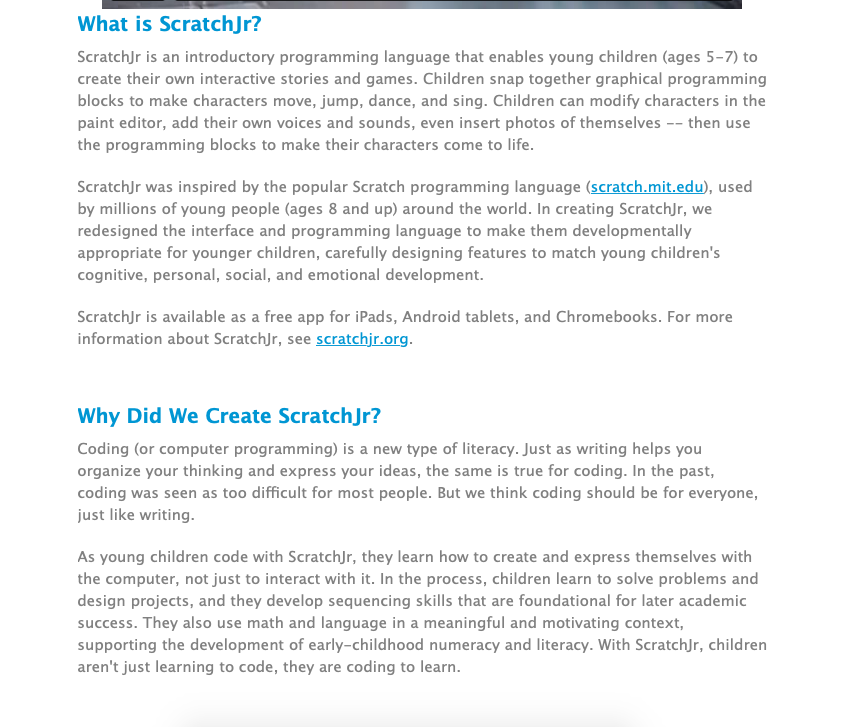
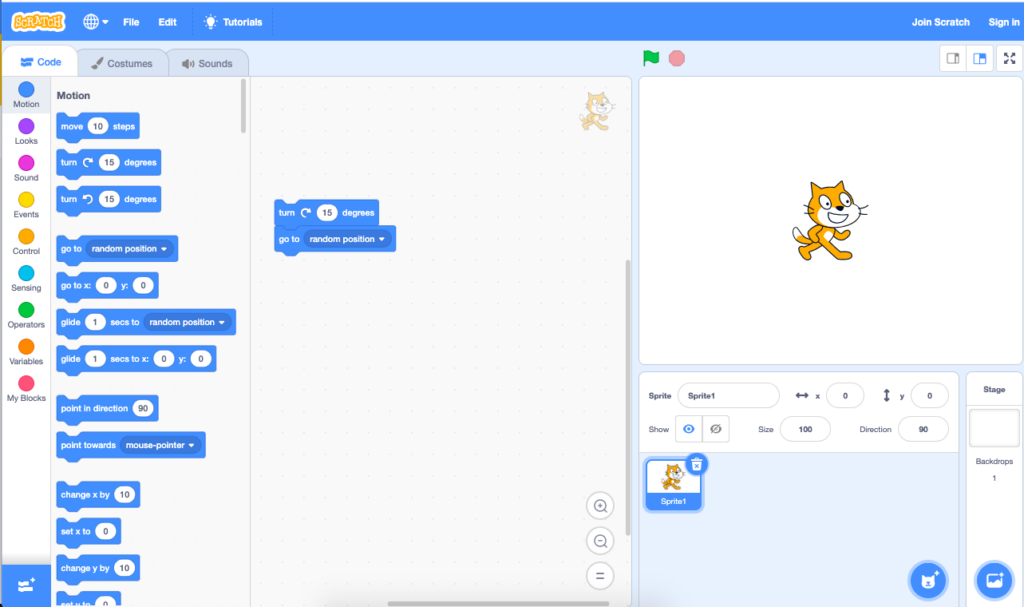
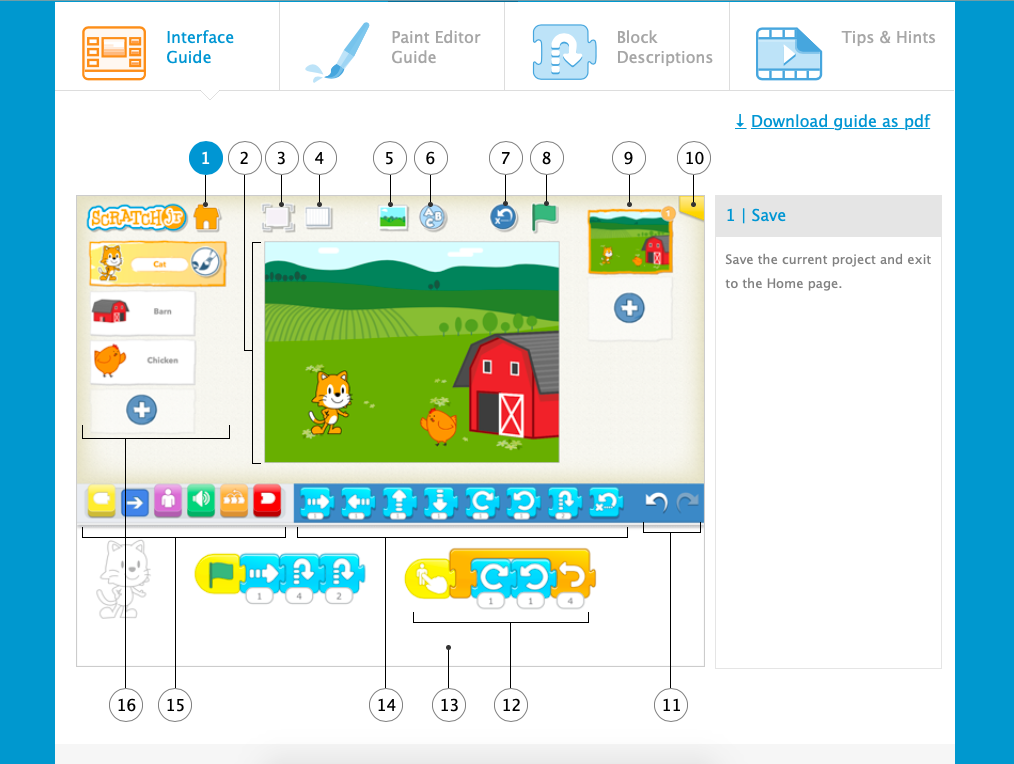
Scratch JR is very similar to scratch, but it’s dialled back a bit more. The features are bigger and easier to find, and it’s easier to navigate. It is a lot more visual so it’s more accessible to younger kids. There is a ‘teach’ section on scratchjr as well that has a list of activities (similar to the tutorial activities) but again, broken down into simpler steps and focusing on one very specific skill at a time. Also a free tool, where students can experiment without even having to create an account. A great scaffold to scratch!
(I could not figure out getting a scratch video here but here’s a youtube video with some cool scratch videos)